
Welcome to
JFrog academy
Welcome to the Home of Software Mastery. Featured & New
Multi Language - JFrog Platform Essentials – Understanding its Role in Your DevOps Process
Understand the JFrog Platform: the "Single Source of Truth" for binaries. Learn to bridge development and delivery through seamless artifact management and secure distribution in this beginner course.
Getting Started with JFrog Artifactory (Essentials)
Establish a foundation in JFrog Artifactory. Learn to install, manage permissions, and automate CI/CD workflows to create a reliable system of record for your binaries.
AI Catalog Introduction
Learn how the JFrog AI Catalog unifies discovery, governance and deployment to establish an enterprise-grade AI supply chain.
AI Catalog for Developers
Use the AI Catalog to discover and integrate AI models into your applications.
JFrog Advanced Security
Learn to use JFrog Advanced Security to achieve comprehensive vulnerability and compliance control across your entire software supply chain. This path covers key capabilities like contextual analysis, secret detection, and SAST, empowering security managers and DevSecOps engineers to mitigate risks
Optimize Your JFrog Platform
Scale your JFrog Platform with advanced governance. Learn to automate cleanup, archive artifacts, and utilize Evidence Management to ensure long-term compliance.
Secure the Software Supply Chain with JFrog
Most security teams mistake vulnerability scanning for supply chain protection. While scanning identifies flaws in existing artifacts, true security requires a proactive approach. This plan shifts the focus from reactive detection to active prevention.
JFrog Security for Developers
Empower your coding with JFrog security tools. This path teaches you to secure code instantly using the IDE Plugin and JFrog CLI. Master Frogbot for Git, learn SAST analysis, and apply Curation policies to prevent risky dependencies from entering your builds
Getting started with JFrog Bridge
Learn how the JFrog Bridge seamlessly connects your SaaS and Self-Managed environments to enable secure, unified hybrid workflows.
JFrog Curation for Administrators and Security Managers
This learning path is designed to guide Administrators and Security professionals how to best use JFrog Curation from getting started to maintain.
Conan C/C++ Package Manager
Create and Manage Conan packages and repositories
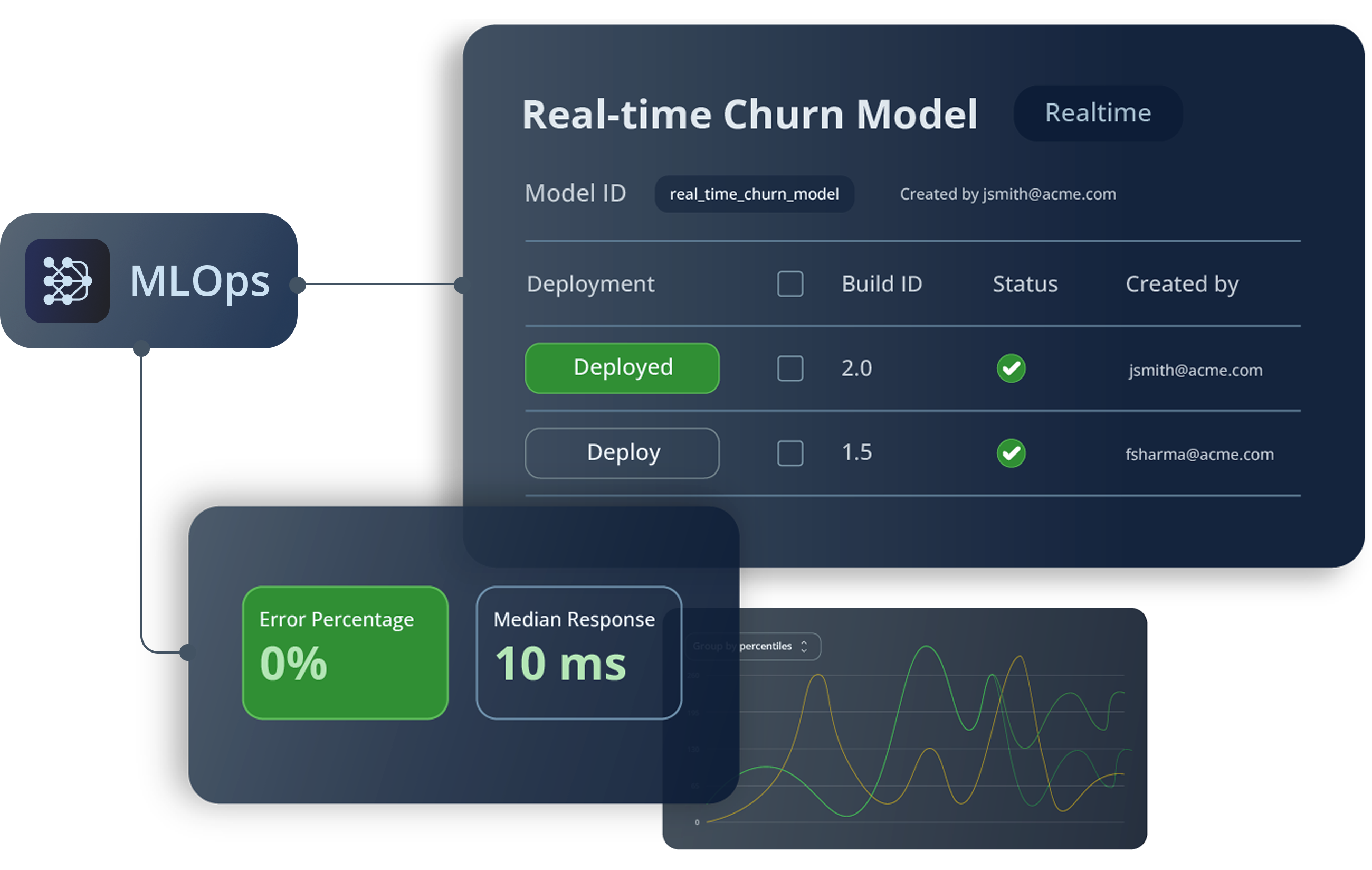
JFrog ML
Learn how to build, deploy, and monitor machine learning models using JFrog ML’s end-to-end MLOps platform.
Xray Indexing
Learn how to index in JFrog Xray to define which resources will be scanned for vulnerabilities and compliance risks.
JFrog Xray: Overview
Understand what Xray does, how it fits into your software delivery pipeline, and why scanning alone isn't enough. This is your starting point before configuring policies, watches, or integrations.
- Visit the Instructor Led Training page.
- Find your preferred training course, click on ‘Buy’, then choose the number of seats you want to purchase for this course and choose the date that fits best with your schedule from the offered dates.
- Click on ‘Purchase’ and choose a payment method (either Credit Card or Training code) enter your credit card information, or the training credit code (if you received one). Click ‘Review and Pay’ to complete the checkout process.
- You will receive an enrollment confirmation email within minutes.
- Changes to registration or cancellations are permitted up to 4 business days before the scheduled course.
- To do so, go to the training page, and then to the course you purchased, click on the name of the course and you will see the session you are registered to. Click on the ‘Cancel Registration’ button, it will show you that you have been unregistered from the event.
- Now you can choose a different date to take this course, don’t worry, if you purchased seats in this course, your registration will be saved for you and you can return within a year to choose the best date for you from the offered sessions.
- Cancellations are permitted up to 4 business days before the scheduled course.
- If you purchased seats in the course and didn’t attend the day of the session, you will not be entitled to a refund.
- If you cancel your registration more than 4 business days before the scheduled session and no longer wish to reschedule for a different date, please reach out to training@jfrog.com to request a refund
- To start the course Zoom meeting, first log in to the academy first, go to your profile, choose the relevant course, and click on ‘Launch Event’.
- If there is any issue, please contact your trainer, his information is presented in the reminder email you received or contact training@jfrog.com